Wireless Tool Control
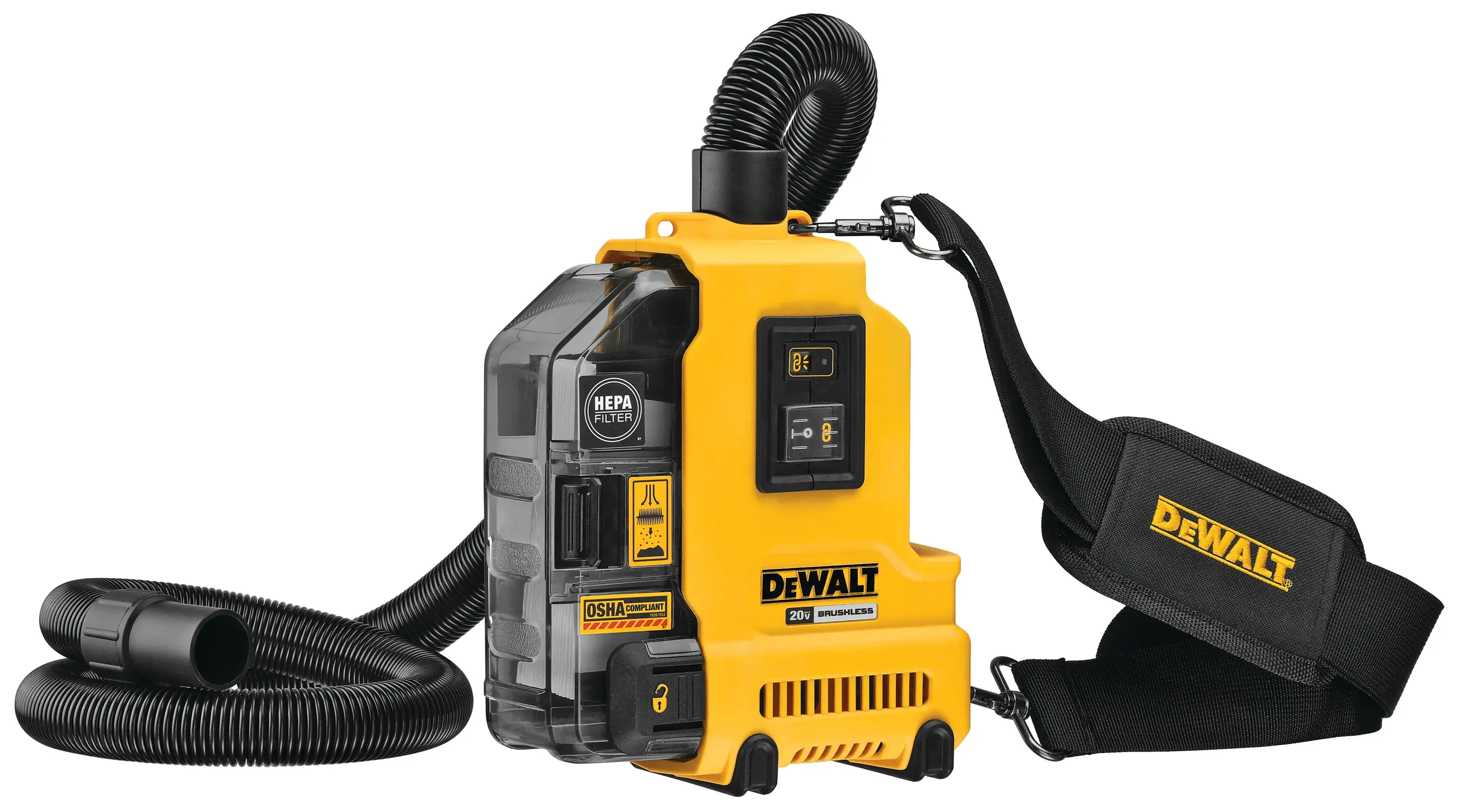
Automate your workflow and help minimize interruptions with WIRELESS TOOL CONTROL. This embedded tool technology gives you the power to remotely turn your dust extractor or secondary tool on and off, so you can streamline the job for peak efficiency.
How to Use
Step 1
Step 2
Step 3
Step 4
See it in action
Activate DEWALT® Dust Management equipment or select secondary tools from a distance.
Control the action. Maximize productivity.
When using power tools without WIRELESS TOOL CONTROL, remote operation of a secondary tool is still possible using the DCV040 Remote. Using embedded radio technology, this productivity solution is useful throughout the trades.
Trade Solutions
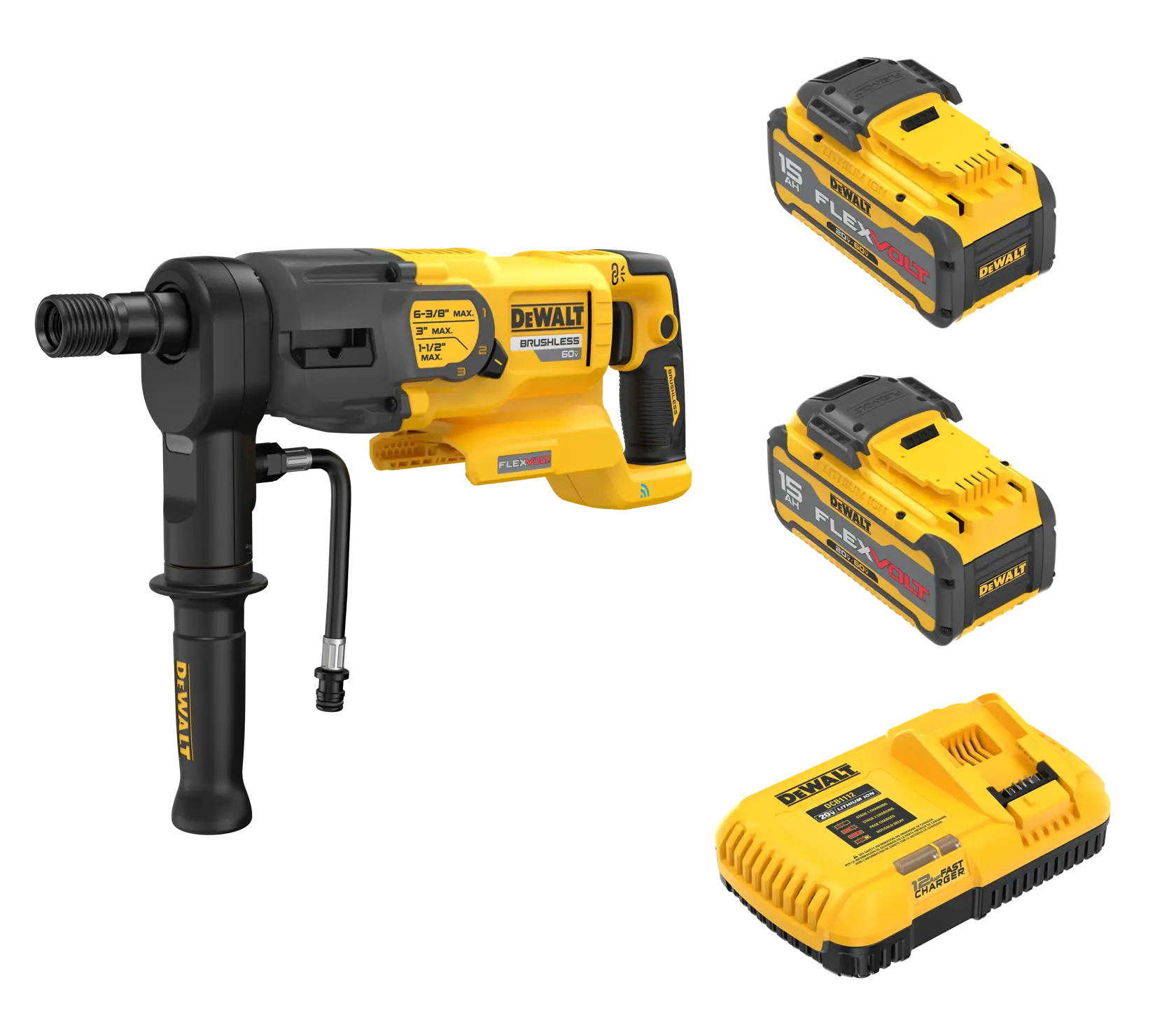
Concrete
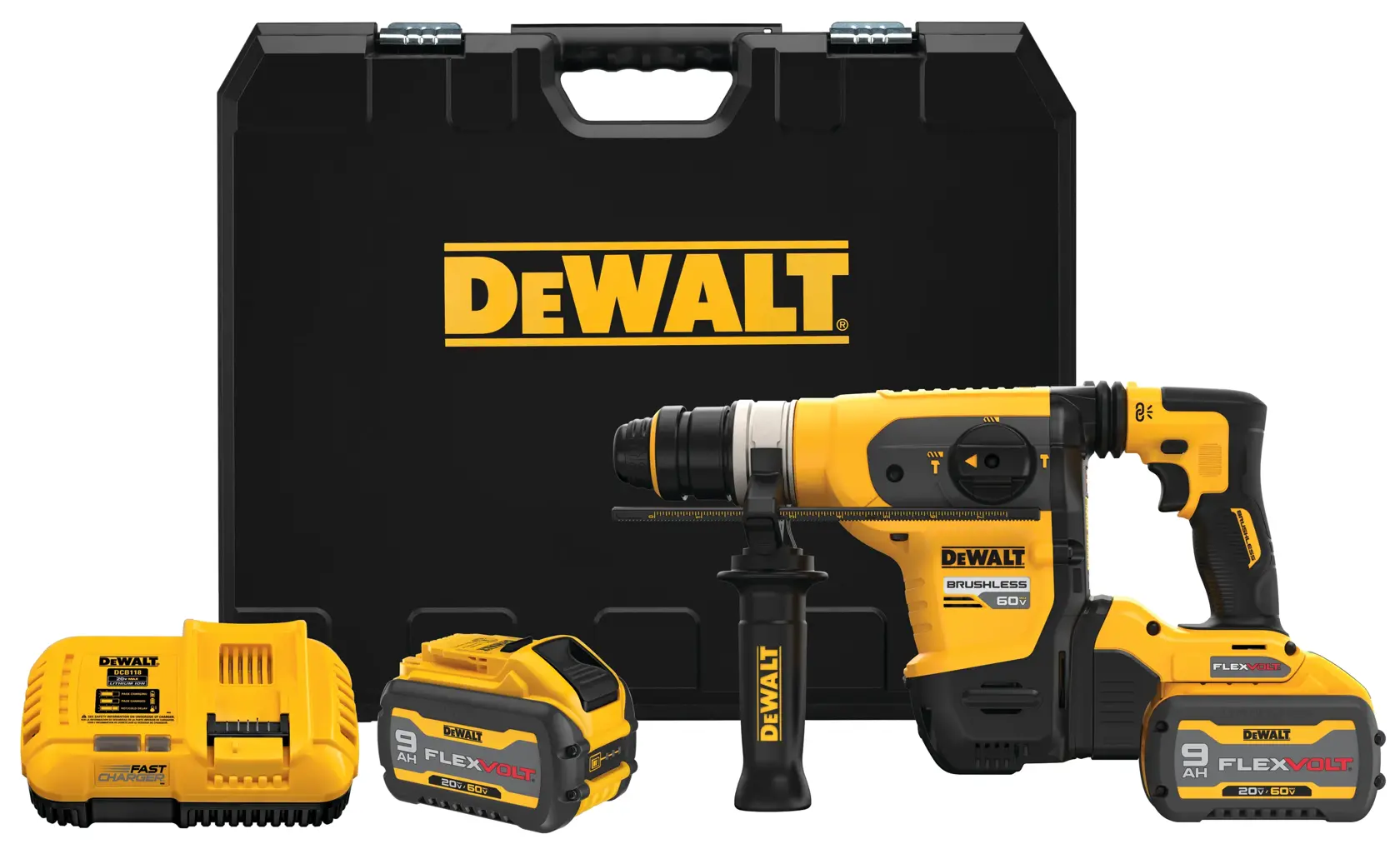
From breaking and cutting to site preparation, integrating WIRELESS TOOL CONTROL solutions will help you maintain productivity without sacrificing performance.
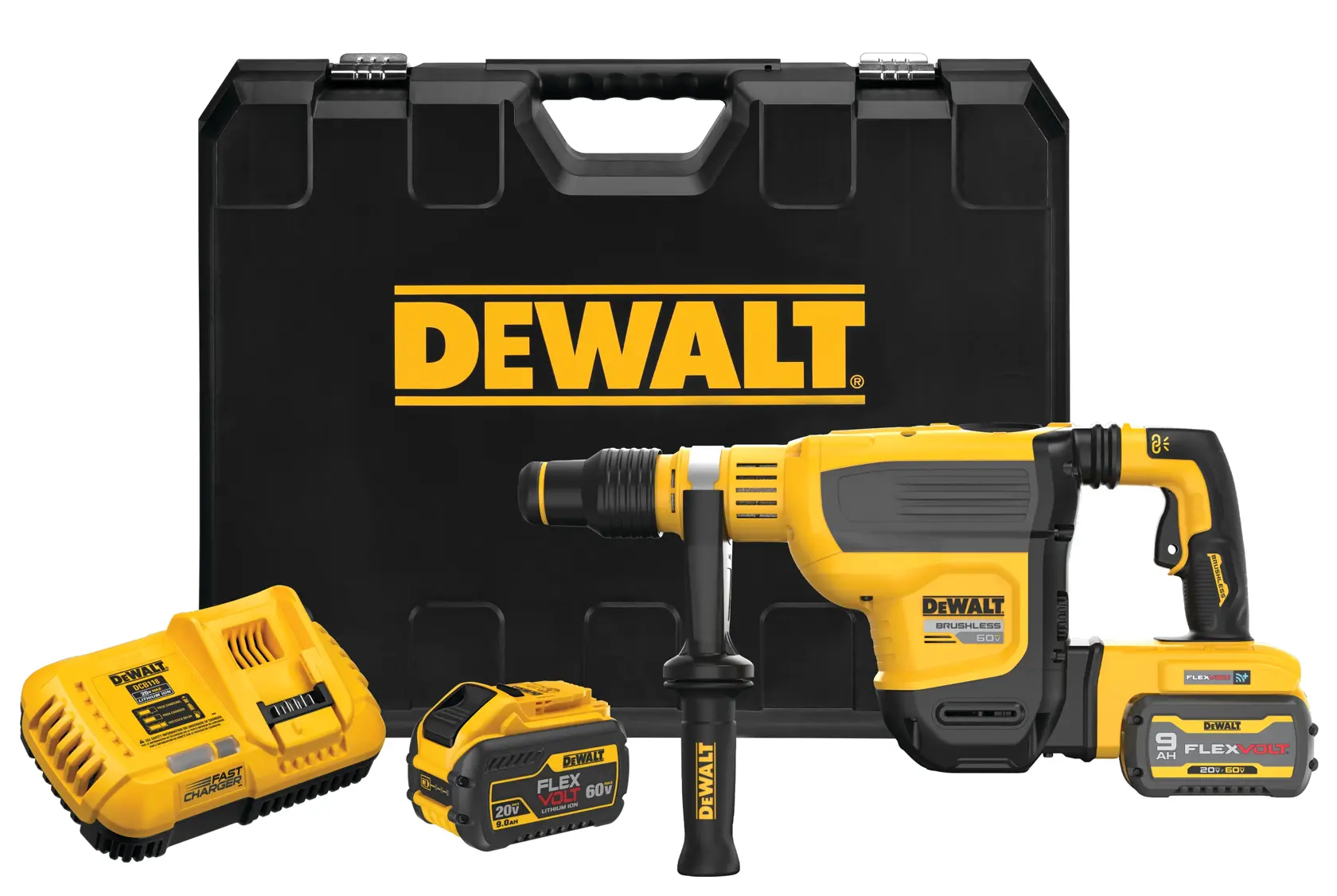
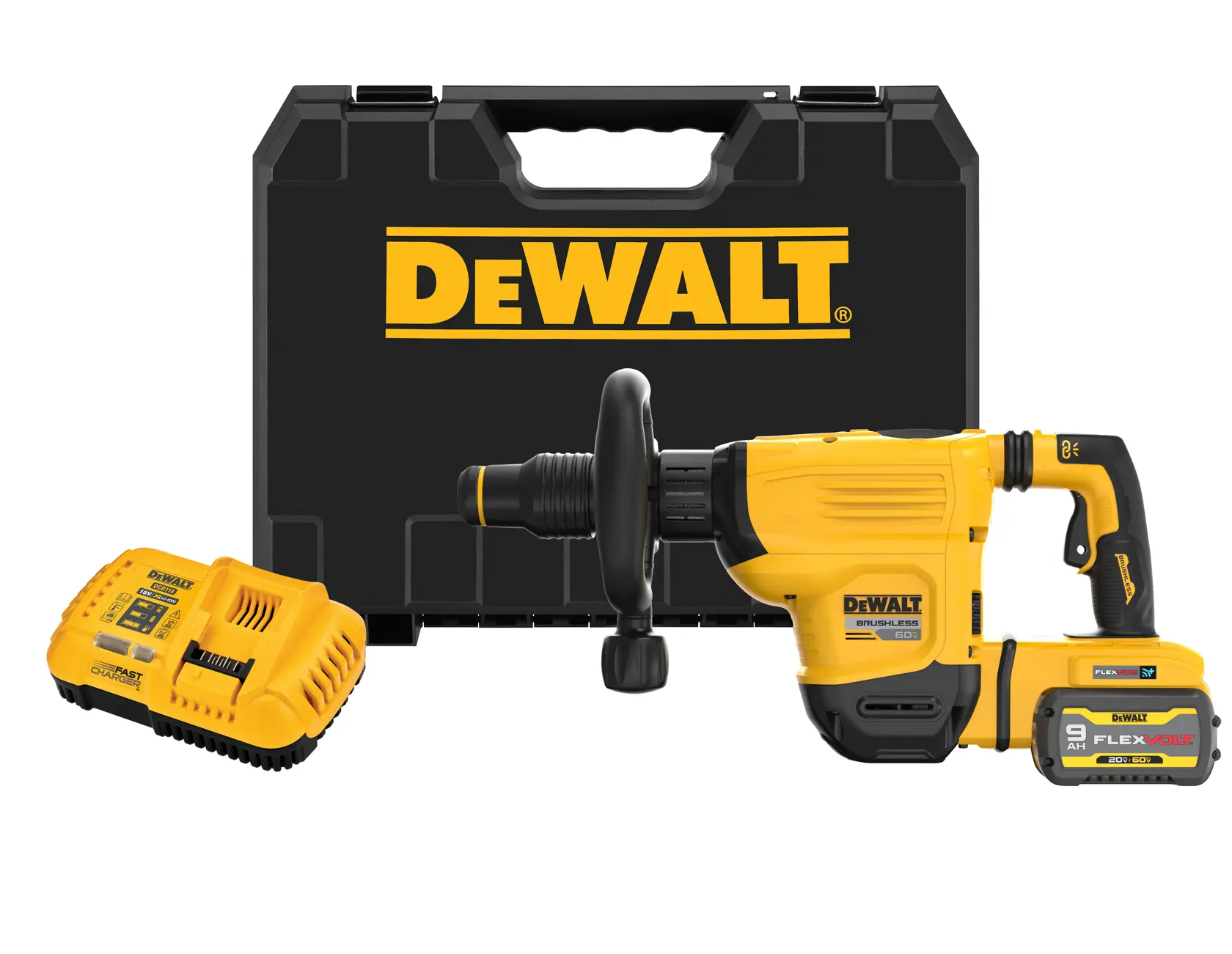
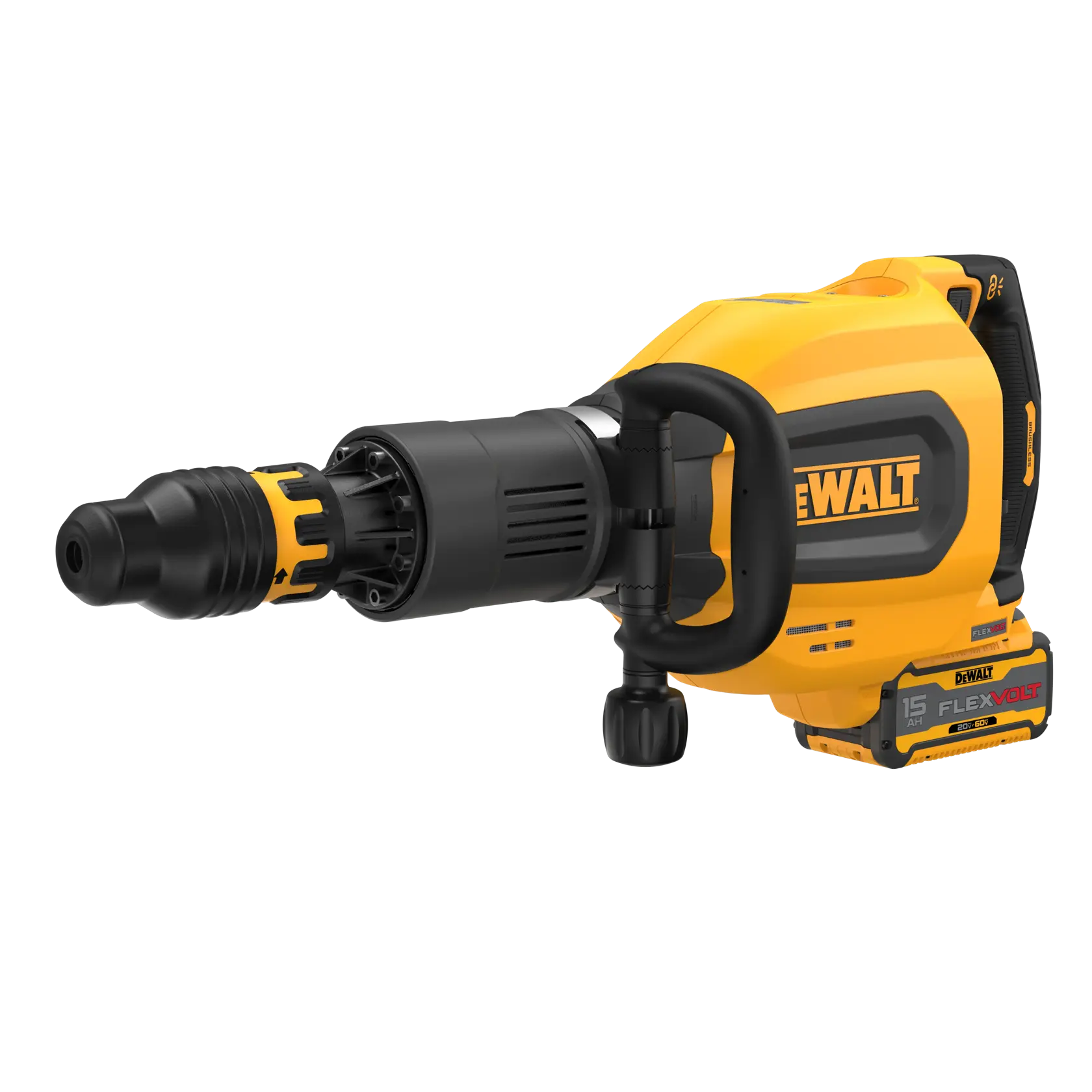
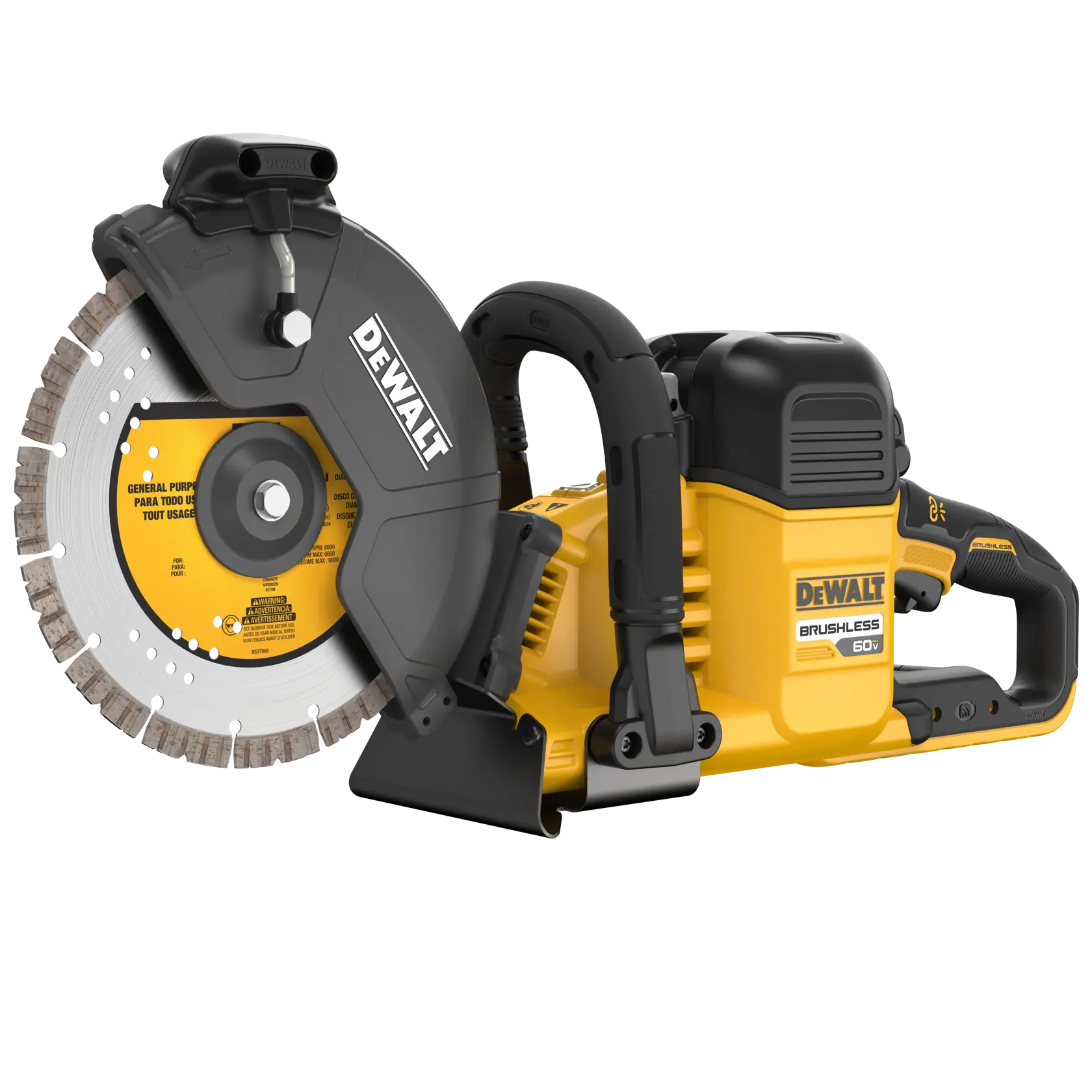
Concrete Products
Trade Solutions
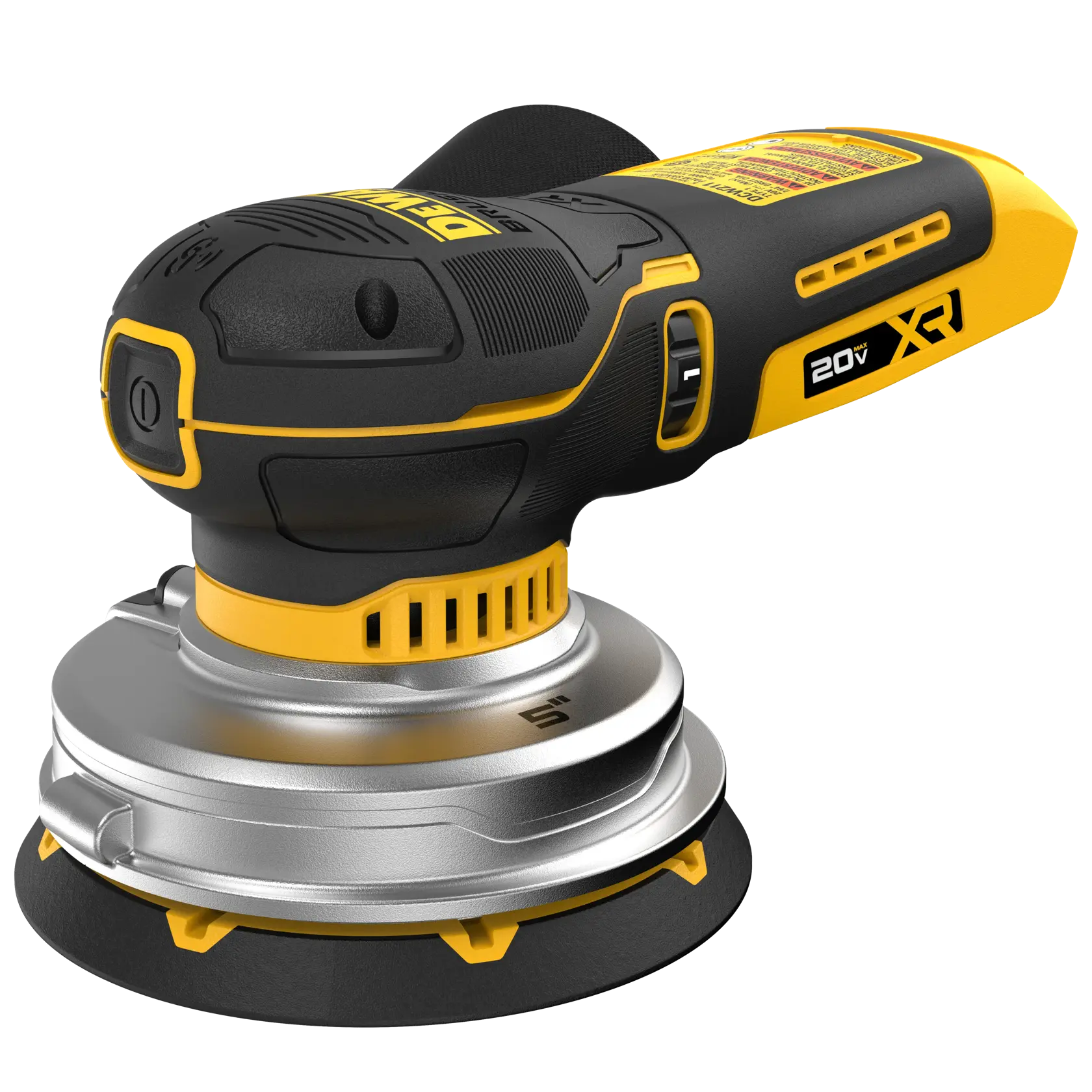
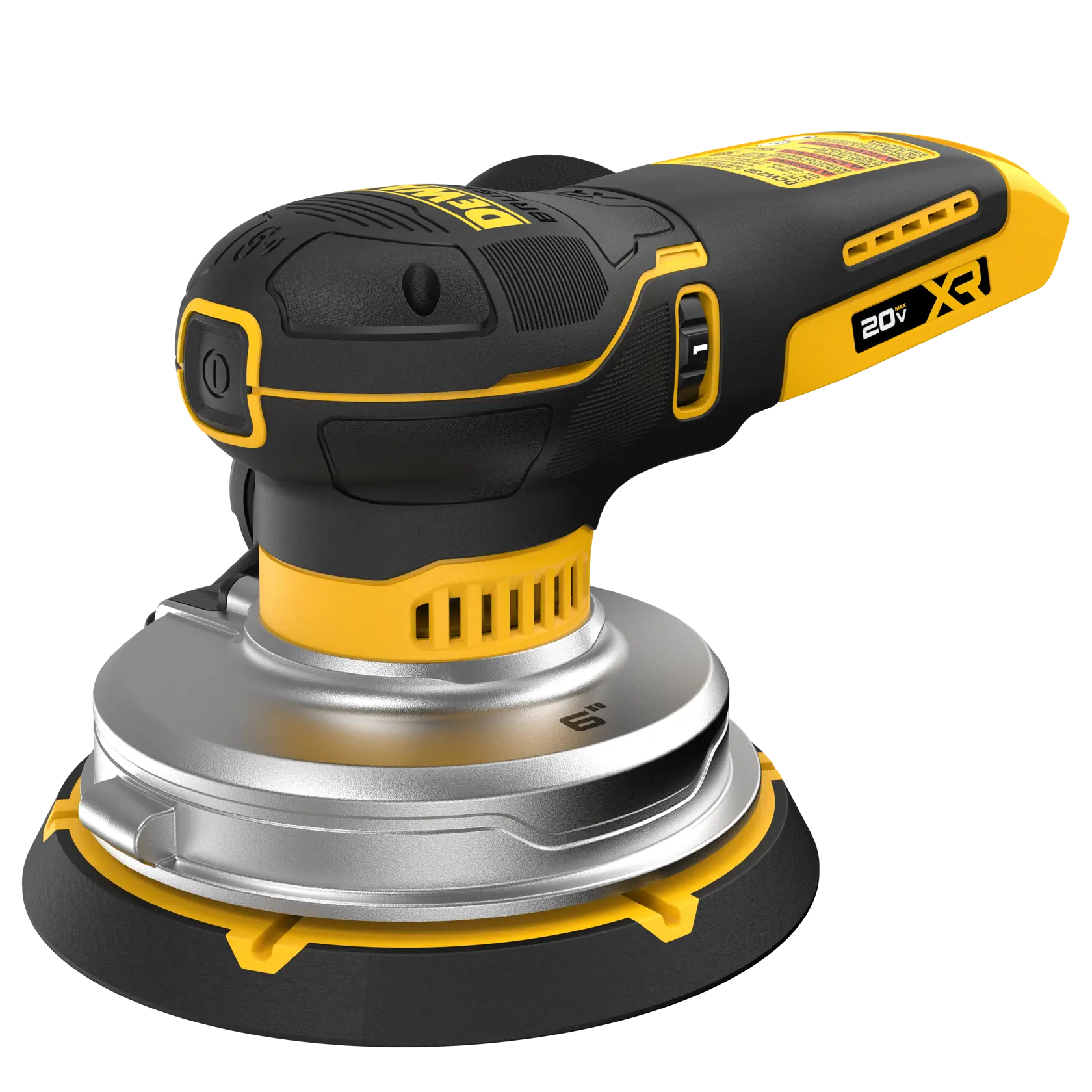
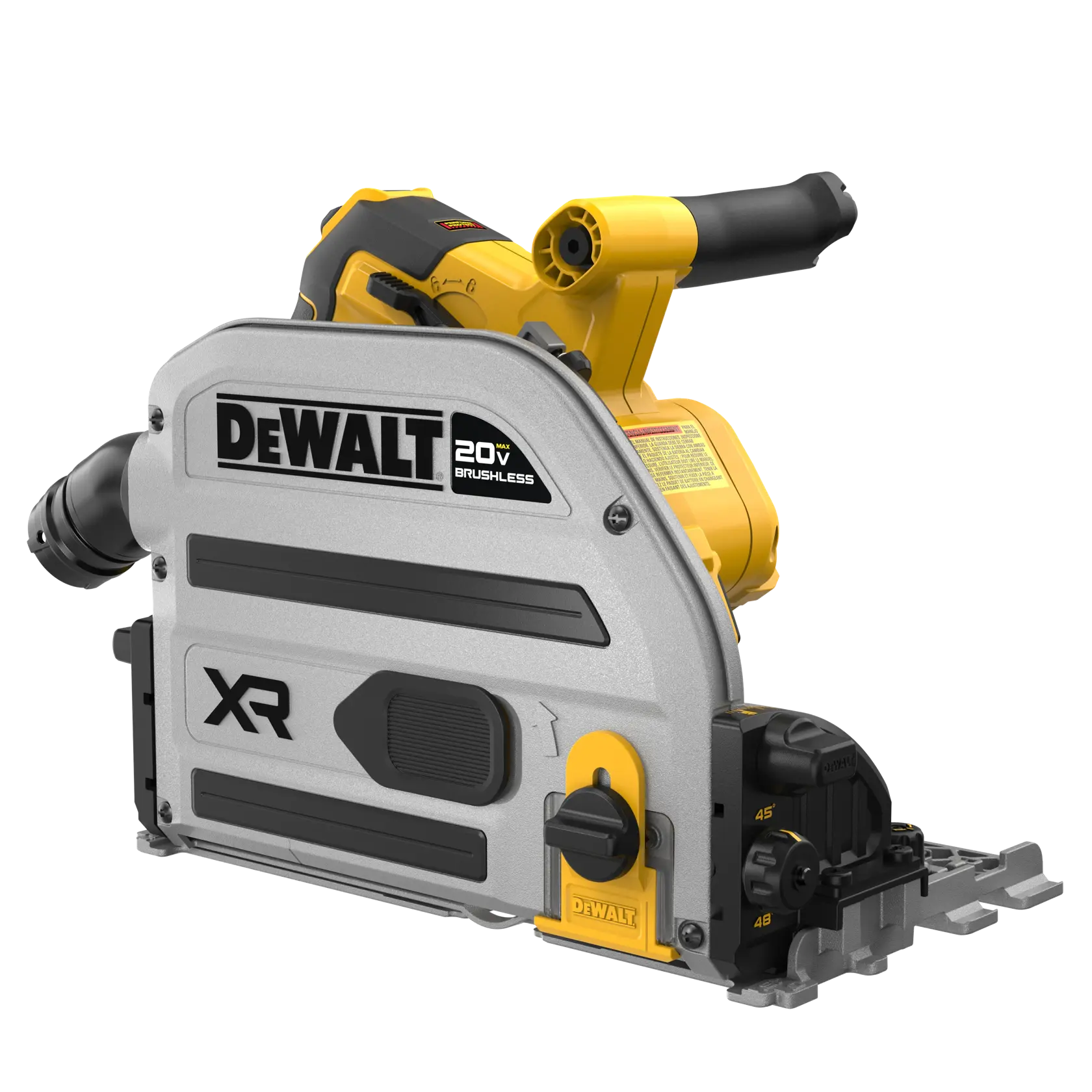
Carpentry
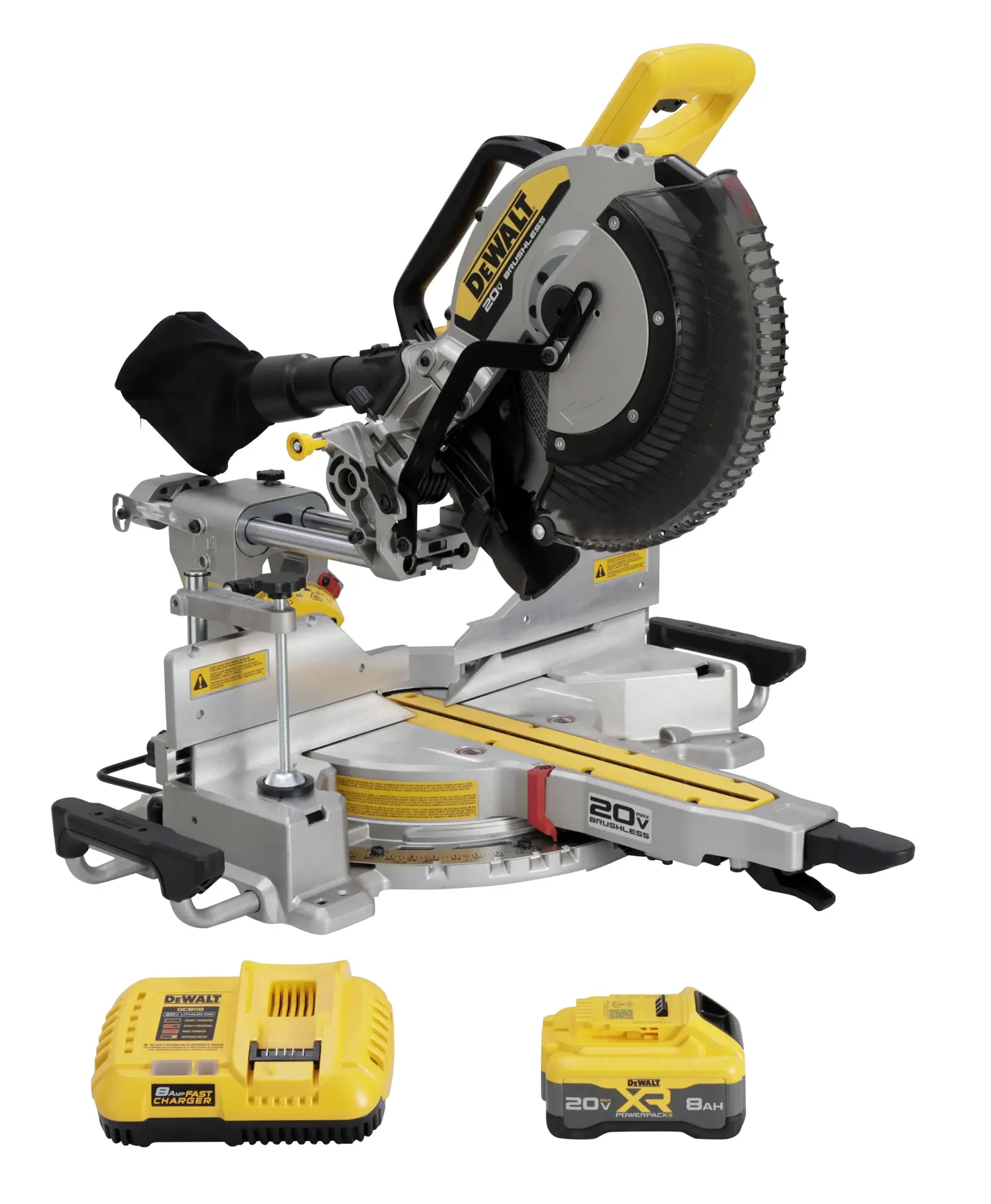
Maintain a clean and professional worksite by incorporating dust collection and WIRELESS TOOL CONTROL into your workflow.
Carpentry Products
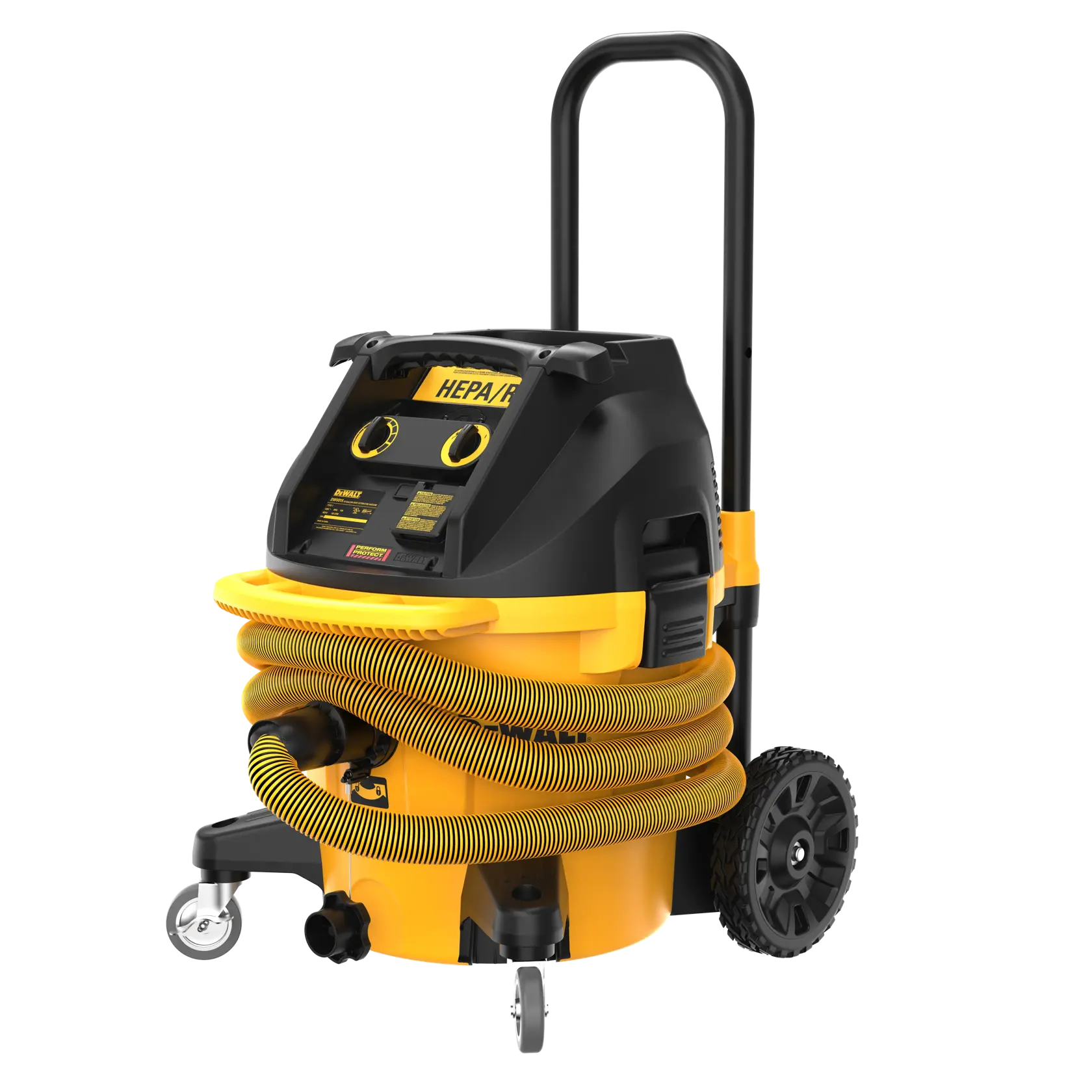
Dust Management
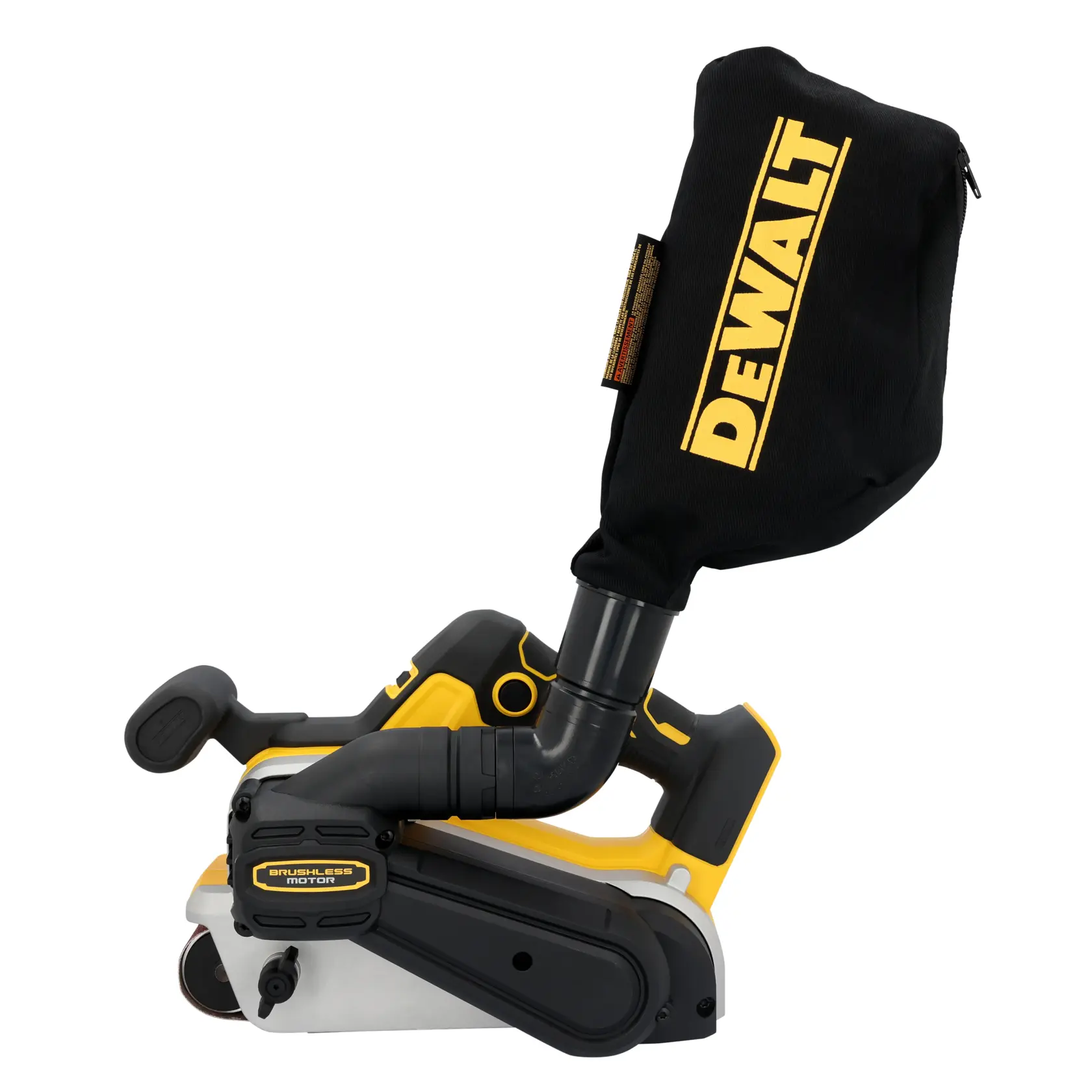
A comprehensive line of dust management solutions and WIRELESS TOOL CONTROL compatibility will help users work efficiently while meeting requirements for dust control on construction sites.